Starting vintage computer collecting can feel like a rabbit hole when you don’t know where to begin. Set a goal first, then find machines locally, track every find, and repair carefully.
This guide is part of the site’s wider coverage of retro computing.
| Item | Value |
|---|---|
| Average insurance quote from several sources | ~$90 per year for $10,000 of coverage |
| Typical homeowner’s policy limit before a rider is needed | $200 to $5000 or more |
| Thrift-store disk files (one collector’s local store) | $2-$5 each |
| Van-filling hauls for one experienced collector | About once in a decade |
These figures come from the VCF East 2025 collection lifecycle talk and Dave Farquhar’s collecting guide. Prices and insurance quotes change, so check the sources before you rely on them.
Decide why you want to collect
Before you buy anything, name your goal. The VCF East 2025 collection lifecycle talk sorts collectors into a few camps, and each one points to a different way of spending your time and money.
- Fun and nostalgia: consider modern replicas and emulation first.
- Academic: research, document and preserve.
- Showcasing: repair and restore.
- Selling: thin out surplus to support your hobby.
The same talk labels flipping for profit as careful, speculative work. It also warns about the trap of hoarding and the rabbit hole of runaway collecting, so a stated goal is your best defence against both.
Pick a theme that keeps your collection focused
A theme stops you buying every beige box you see. The VCF talk lists several ways to narrow things down.
- Period or era, such as one decade of home computing.
- A single vendor.
- A type of technology, such as a CPU architecture or bus type.
- A computer type: micro, mini, mainframe, single-board or portable.
- Peripherals or form factors.
Vendor-specific collecting works well when a platform has a story to follow, and reading up on amiga computer history shows how one machine family can anchor a whole shelf. Whatever you choose, ask forums, clubs, user groups, magazine archives and museums for help.
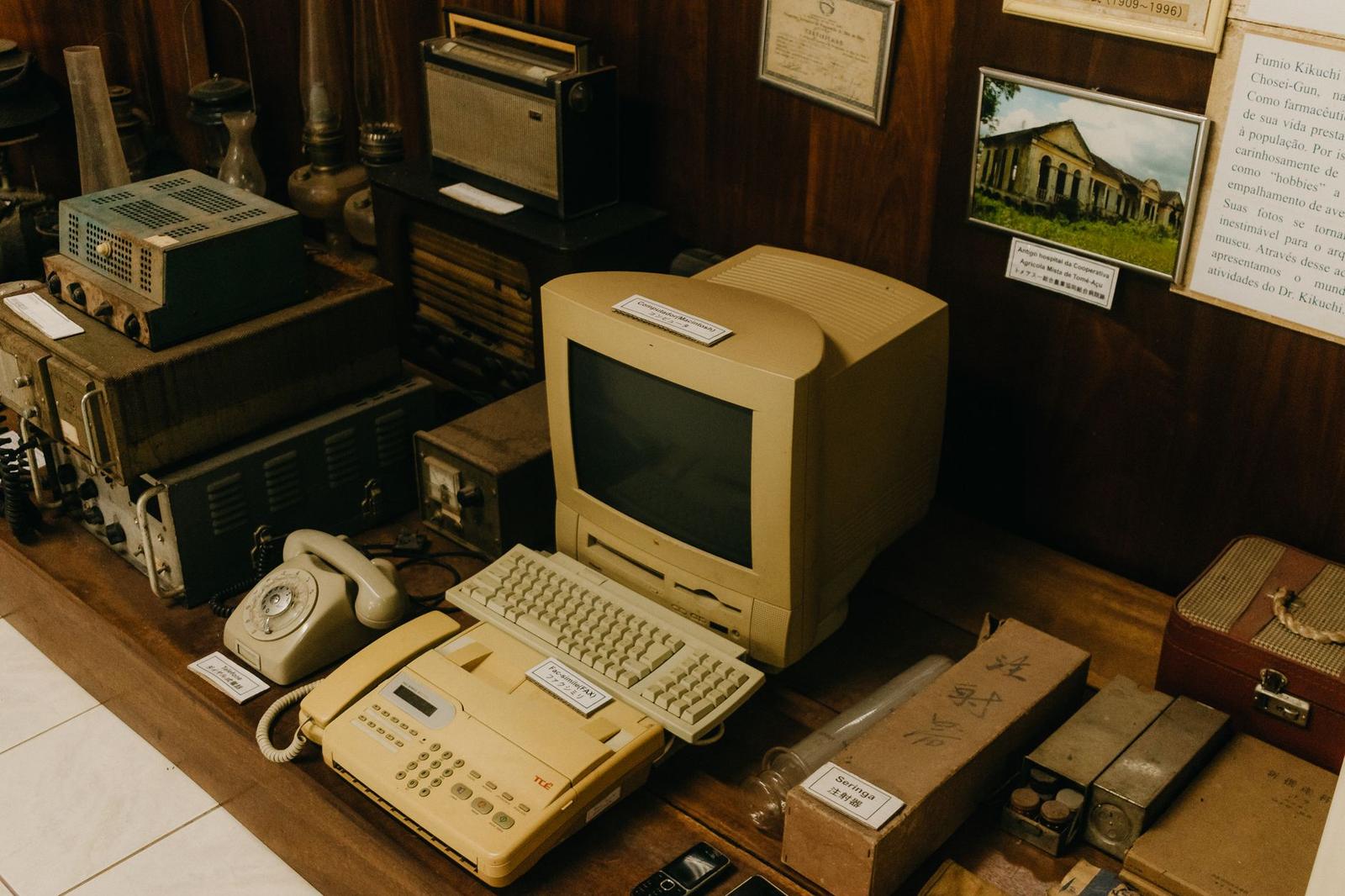
Where can you find vintage computers?
Patience matters more than budget. Dave Farquhar calls estate sales the best venue these days, and says huge hauls happen to him about once in a decade. He also suggests joining local groups for computers and game systems, because trades and tips often start there.
The VCF talk lists many other routes:
- Trades with friends and associates.
- Forums, mailing lists and newsgroups.
- Garage, yard and estate sales.
- Flea markets, ham fests and VCF swap meets.
- Storage locker sales, auctions and recycling centers.
If you plan to curb-watch or dumpster dive, the talk adds one caution: know the local ordinances. It also notes that many thrift shops have caught on to the collector’s market, so don’t count on bargains there.
Look beyond the computer itself. Farquhar says to examine any computer desk you find, since disks and cables may turn up cheap, and he reports disk files at a thrift store that usually cost $2-$5. Book sales are another source of old software and manuals.
Prices for a first machine can be modest. D. Griffin Jones at Cult of Mac bought his first vintage computer, a Macintosh Classic, on eBay for about $80.
When you buy online, the VCF talk names three risks: misrepresentation, hidden damage and shipping. Check eBay sold listings for realistic valuations rather than trusting an asking price.
What to check, and which tools you need
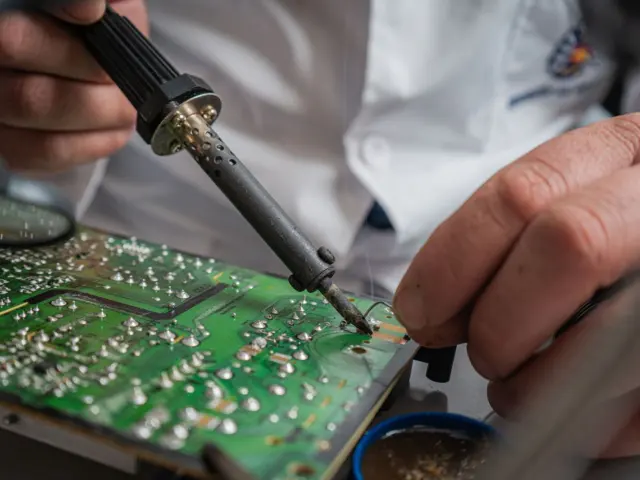
Old hardware can hurt you and can be hurt by you. A basic toolkit from the VCF talk includes a decent soldering kit with flux and desoldering tools, spare components, a multimeter, and schematics or documentation. An oscilloscope and logic probe are listed as advanced extras.
The talk also recommends an ESR meter “because you WILL be replacing caps”. Expect to replace capacitors in some machines, then.
Before you open anything, work through this short checklist drawn from a Popular Science guide, published April 2019:
- Ground yourself with an anti-static wrist strap and use insulated tools.
- Look up technical manuals, schematics and parts lists.
- Clean out dust with canned air, without touching components.
- Inspect for corroded or loose parts, and remove old batteries.
- Remove the previous owner’s hard drives and other memory devices.
Picture-tube machines need extra respect. The RetroTechCollection maintenance index covers the implosion hazard in its CRT discharge guide and says to read it before opening any machine with a picture tube. Keep the same wiki’s guides handy for machine-specific work.
Cleaning needs care too. The VCF talk warns about brittle plastics and old components, and labels Retrobright as a method to use with caution. When you are ready to go deeper, the guide on how to restore a vintage computer covers the bench work step by step.
Be wary of the internet. In the Popular Science piece, attorney Michelle Schaap says a computer that will never be connected to the internet is fine, but connecting old, unpatched devices invites a potential disaster. Treat any online use of an unsupported machine as a risk.
How to organise, value and plan for your collection
Start a catalogue on day one. The VCF talk says to keep track of what you acquire as you acquire it, in a spreadsheet or database with photos, condition and provenance if available. Farquhar also logs the date, where he went, how much he spent and how many items he bought.
Storage matters as much as the list. The talk recommends a cool, dry, pest-free space, with items off the floor on racks or pallets.
Farquhar shares a discipline trick from a friend: put anything you buy but don’t want to keep into a storage chest, and sell its contents when the chest is full. That keeps the collection from swelling and funds better purchases.
Valuation and insurance
Revalue your collection from time to time using clubs, eBay sold listings and auction house sales. The VCF talk says to check your homeowner’s policy for collectables coverage and to check dollar limits before a rider is needed. Those limits can vary from $200 to $5000 or more, and several quotes averaged about $90 per year for $10,000 of coverage, according to the VCF East 2025 presentation.
Planning for the day you let go
Your exit plan deserves thought. The same talk says estate auctioneers are very unfamiliar with vintage computer equipment, and so are family members. Take a detailed inventory, and talk to relatives, friends, user groups and museums about where things should go.
If you donate, make sure the recipient knows about it and can accept the donation. The talk’s legal notes are not legal advice, so ask a qualified attorney about your own situation.
Frequently asked questions
How much does it cost to start vintage computer collecting?
Show answer
It can be modest. Cult of Mac’s author paid about $80 for a Macintosh Classic on eBay, and Farquhar reports thrift-store disk files at $2-$5. Check eBay sold listings for current prices.
Is it safe to connect an old computer to the internet?
Show answer
Treat it as risky. In an April 2019 Popular Science article, attorney Michelle Schaap says a computer that never goes online is fine, but old, unpatched devices on the internet invite a potential disaster.
Should I insure my collection?
Show answer
Start by checking your homeowner’s policy for collectables coverage and its dollar limits. The VCF East 2025 talk says limits vary from $200 to $5000 or more before a rider is needed.
What should I do with my collection later?
Show answer
Plan ahead. Keep a detailed inventory, talk to relatives, user groups and museums, and confirm that any donation recipient is aware and able to accept it.